The SaaS Spend Audit Playbook
How companies uncover forgotten SaaS contracts, overlapping tools, and hidden software spend.
Updated: 2026
6 min read
Many organizations underestimate how many SaaS tools they actually pay for. This guide explains how finance, IT, and procurement teams conduct a SaaS spend audit to discover hidden contracts, duplicate software, and unused licenses.
Introduction
Most companies believe they have a good understanding of their SaaS spend.
Finance tracks invoices. IT manages the main applications. Procurement negotiates major contracts.
Yet when organizations conduct a proper SaaS audit, they often discover something surprising.
There are far more tools than expected.
Small subscriptions accumulate across departments. Duplicate tools solve the same problem. Licenses remain active long after employees stop using them.
Over time this creates a quiet form of spend leakage that many companies only notice when budgets tighten.
A SaaS spend audit helps bring clarity to this situation.
A situation many teams recognize
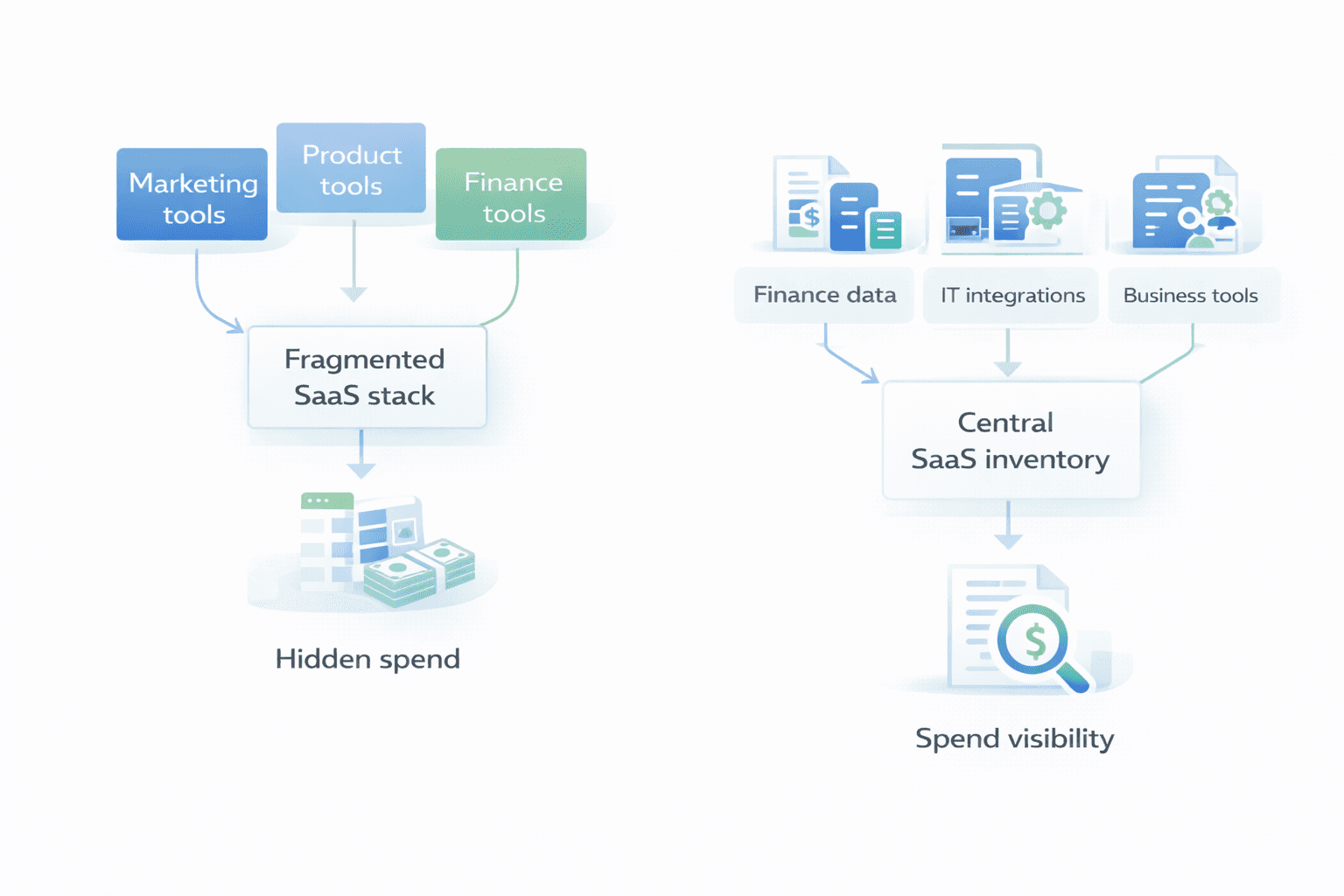
A growing company believes it operates around thirty SaaS tools.
When the finance team performs a detailed review of software expenses, the number turns out to be closer to seventy.
Some tools are used by only a few employees. Others duplicate capabilities already covered by existing platforms.
Several contracts renew automatically each year without anyone reviewing them.
None of these decisions were intentional. They simply accumulated over time as teams adopted tools independently.
This situation is extremely common in organizations where SaaS adoption grows quickly.
Why SaaS sprawl happens
SaaS tools are remarkably easy to adopt.
A team discovers a new product, signs up with a credit card, and starts using it immediately. Procurement processes are often bypassed because the cost initially seems small.
As companies scale, different teams adopt tools independently. Marketing purchases analytics software. Product teams subscribe to testing tools. Operations teams add workflow automation platforms.
Each individual decision makes sense at the time.
The challenge appears later when these tools overlap, renew automatically, or remain active after their usefulness declines.
What a SaaS audit typically reveals
When companies review their SaaS portfolios carefully, several patterns usually appear.
The first is duplicate functionality. Multiple tools may solve similar problems across different teams.
The second is unused licenses. Employees change roles or leave the organization while licenses remain active.
The third is forgotten contracts. Some tools renew automatically each year without anyone actively reviewing them.
Finally, there is often a lack of clear ownership. Nobody inside the company feels responsible for evaluating certain vendors.
These discoveries explain why SaaS spend often grows faster than expected.
Step 1: Identify all SaaS vendors
The first step in a SaaS audit is simply identifying which vendors exist.
Finance teams usually start with expense data. Corporate cards, invoices, and procurement records reveal a large portion of subscriptions.
IT teams complement this view by identifying applications connected to company systems.
Combining these perspectives often reveals tools that neither team initially knew about.
The goal is to create a single inventory of SaaS vendors.
Step 2: Understand contract commitments
Once vendors are identified, the next step is reviewing contract terms.
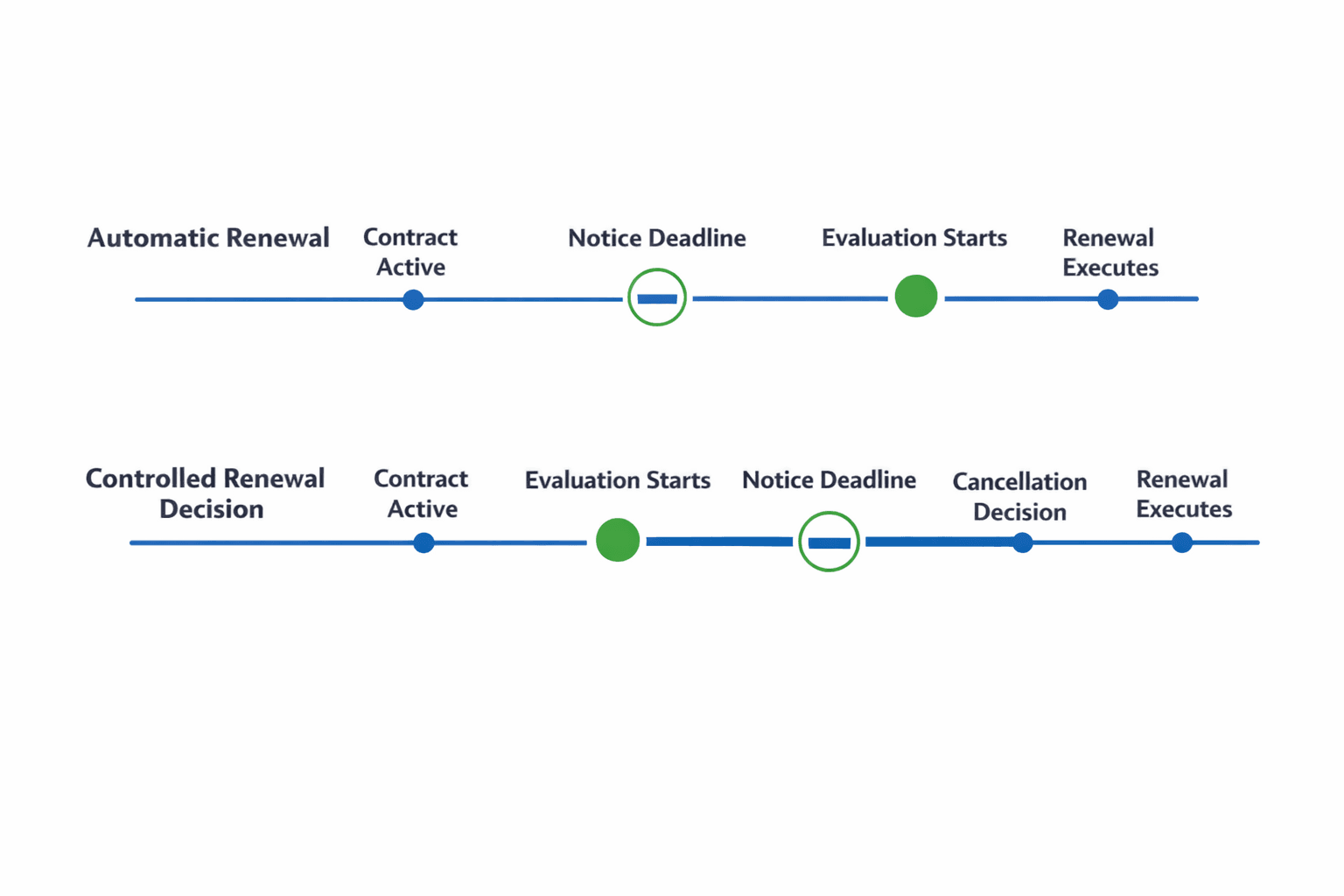
Teams should understand renewal dates, notice periods, pricing structures, and contract lengths.
This information is essential for determining when decisions need to be made and how flexible each agreement is.
Many companies discover contracts that renew automatically without clear visibility into these deadlines.
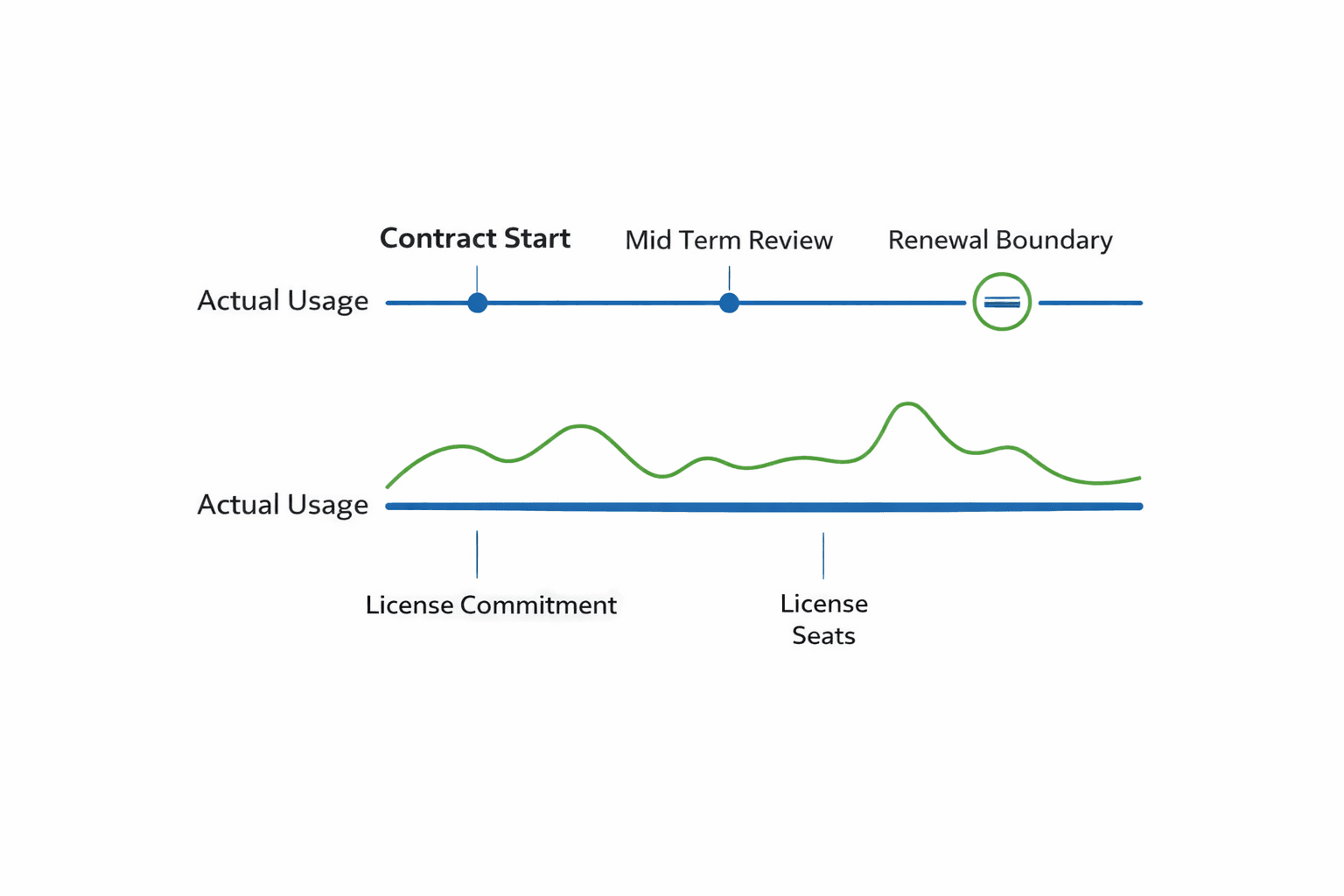
Step 3: Evaluate actual usage
After identifying vendors and contract terms, the next step is understanding how tools are used.
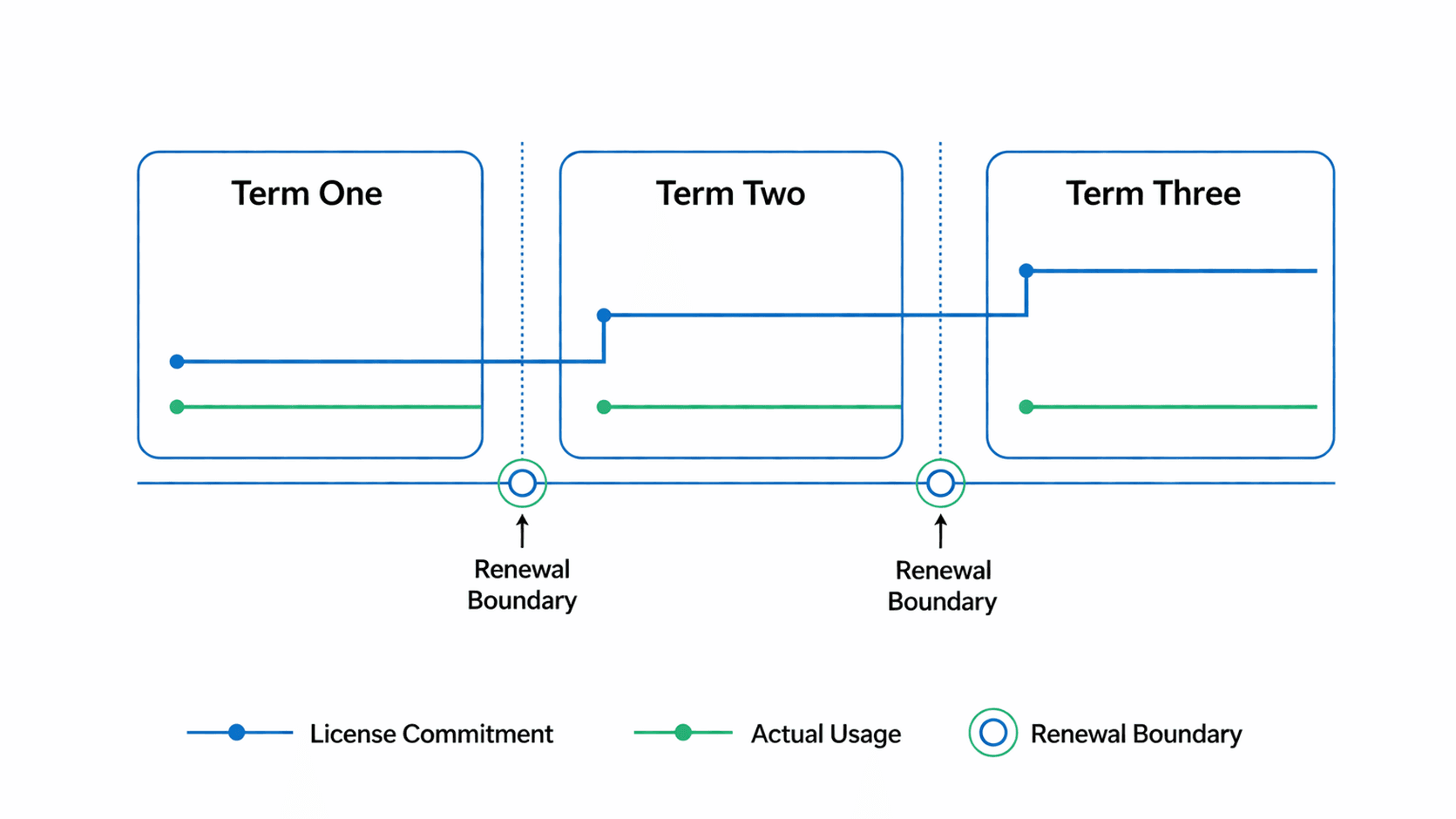
Some applications may be widely adopted and clearly valuable. Others may have very limited usage compared to the number of licenses purchased.
Usage insights help teams decide whether a contract should be renewed, renegotiated, or replaced.
This stage often reveals opportunities to reduce licenses or consolidate tools.
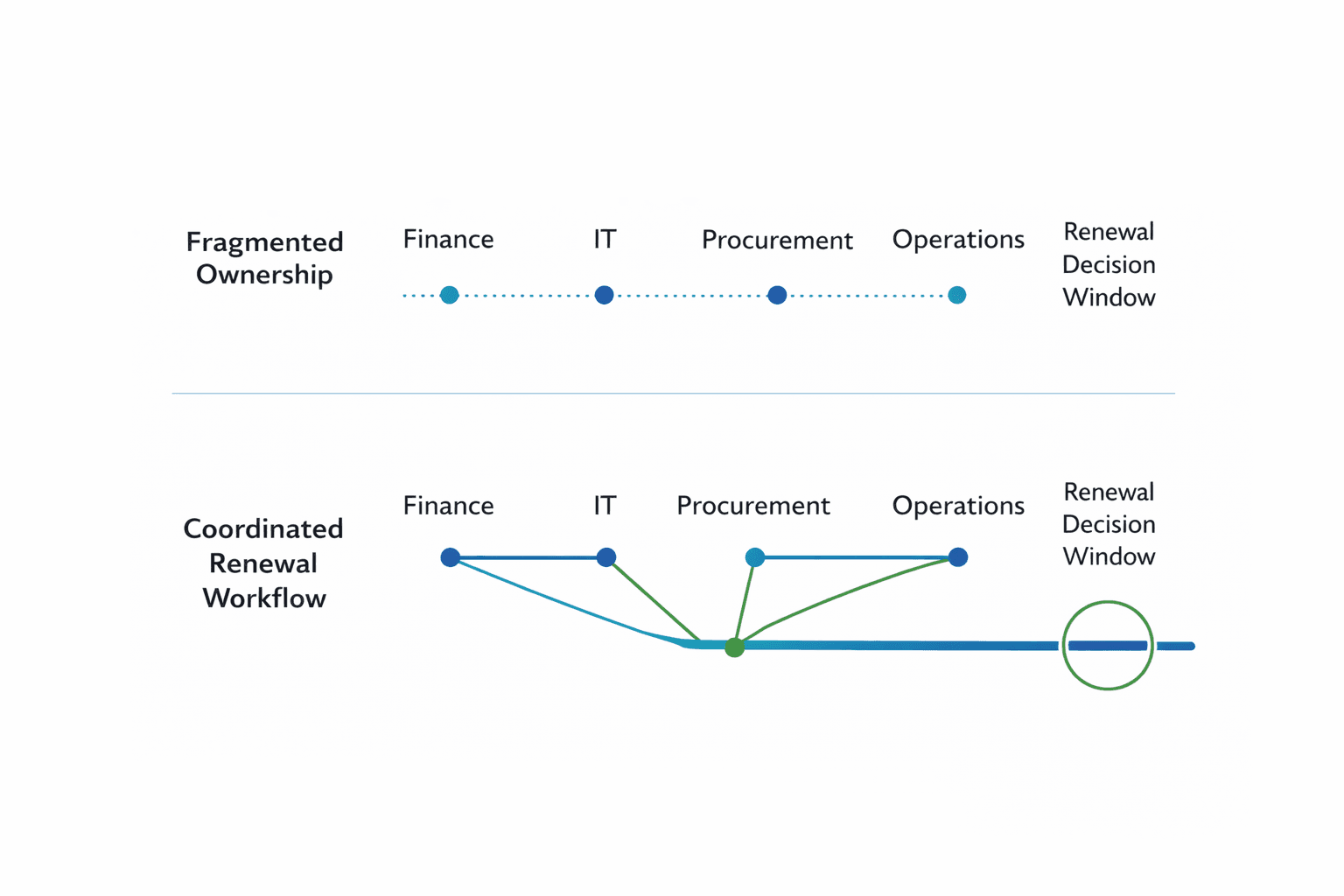
Step 4: Assign ownership
A common issue in SaaS portfolios is unclear ownership.
When nobody feels responsible for reviewing a contract, renewal decisions become passive.
Assigning an internal owner for each vendor ensures someone is accountable for reviewing usage, evaluating pricing, and preparing renewal decisions.
This small step dramatically improves governance over time.
Step 5: Prepare renewal decisions
The final step of a SaaS audit is preparing upcoming renewal decisions.
Once vendors, contracts, and usage are visible, teams can prioritize which tools deserve negotiation or review.
Some contracts may simply continue because they provide clear value. Others may require renegotiation or consolidation.
By the time renewal conversations begin, the organization already understands its position.
How Venduris helps
Conducting a SaaS audit manually can be time consuming.
Contracts live in different folders, renewal dates are difficult to track, and vendor information is scattered across systems.
Venduris helps organizations centralize SaaS vendor data and extract key contract terms automatically.
Finance, IT, and procurement teams gain visibility into vendors, contracts, renewal timelines, and spend commitments.
Instead of discovering issues during budget reviews, organizations maintain a clear and continuously updated view of their SaaS portfolio.
Final thoughts
SaaS tools empower teams to move quickly, but they also introduce complexity over time.
Without visibility into contracts and vendors, software spend gradually becomes harder to manage.
A SaaS audit provides the clarity needed to understand what the organization is actually paying for and where improvements can be made.
For companies managing dozens or hundreds of SaaS tools, this visibility quickly becomes essential.
Explore related renewal signals
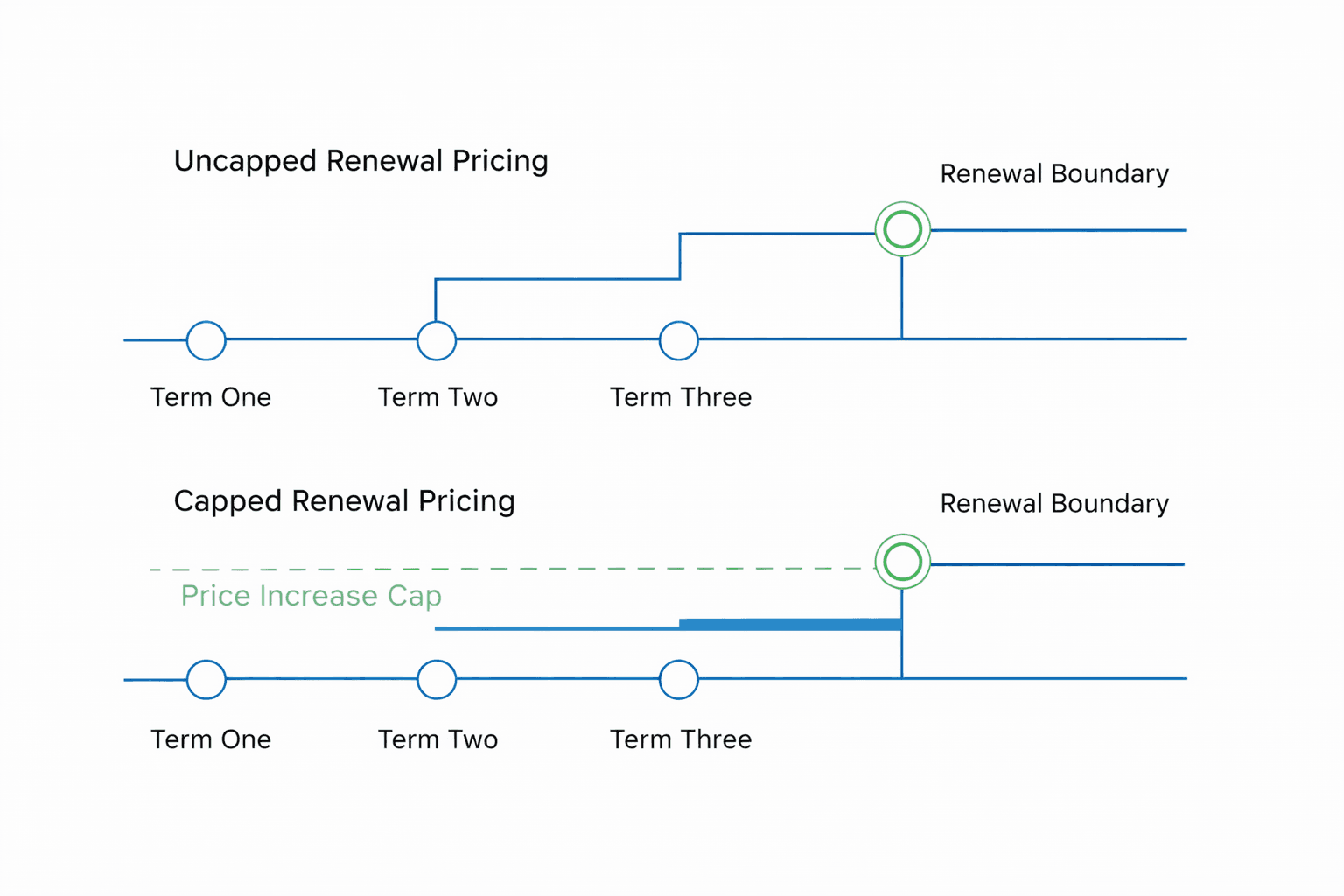
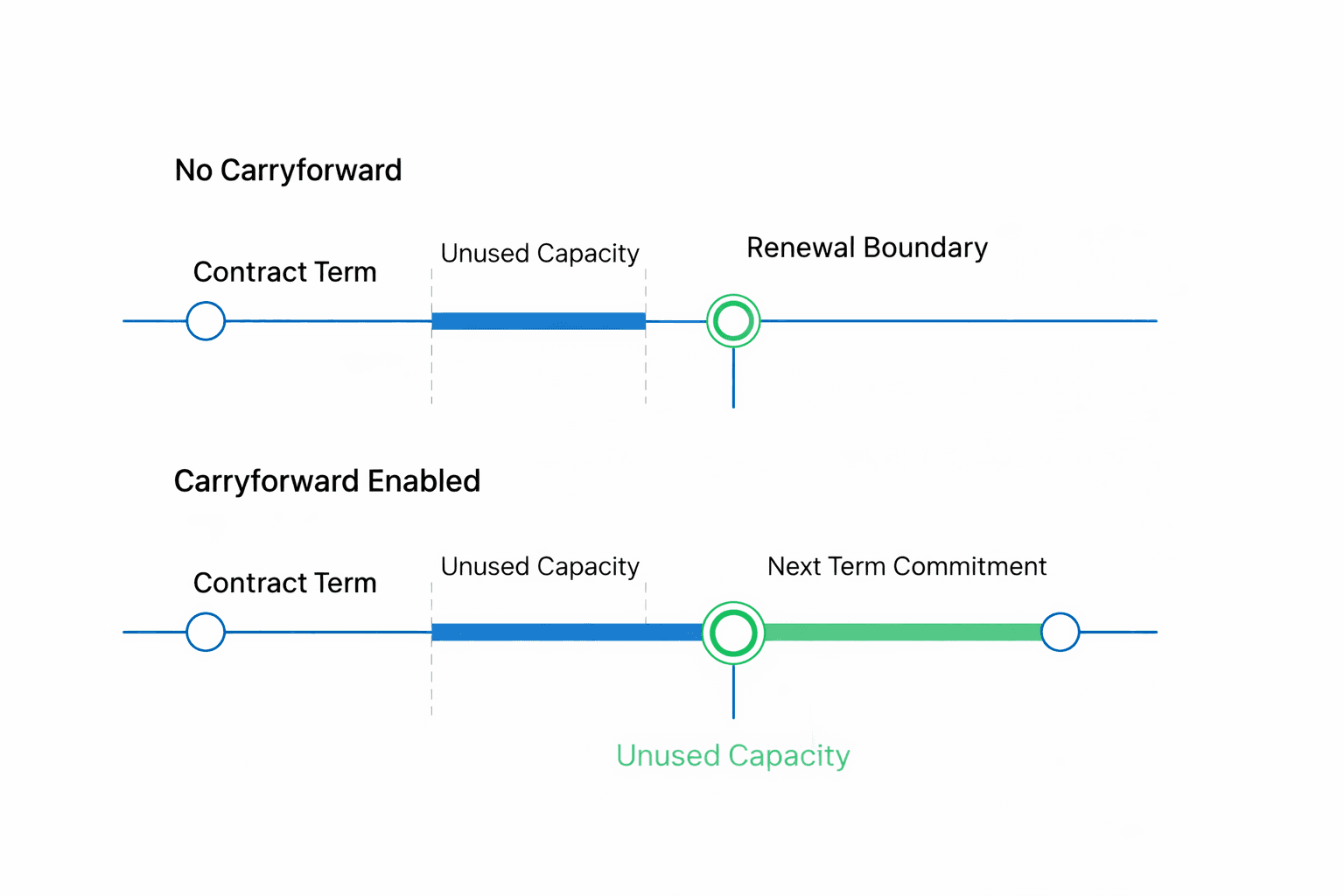
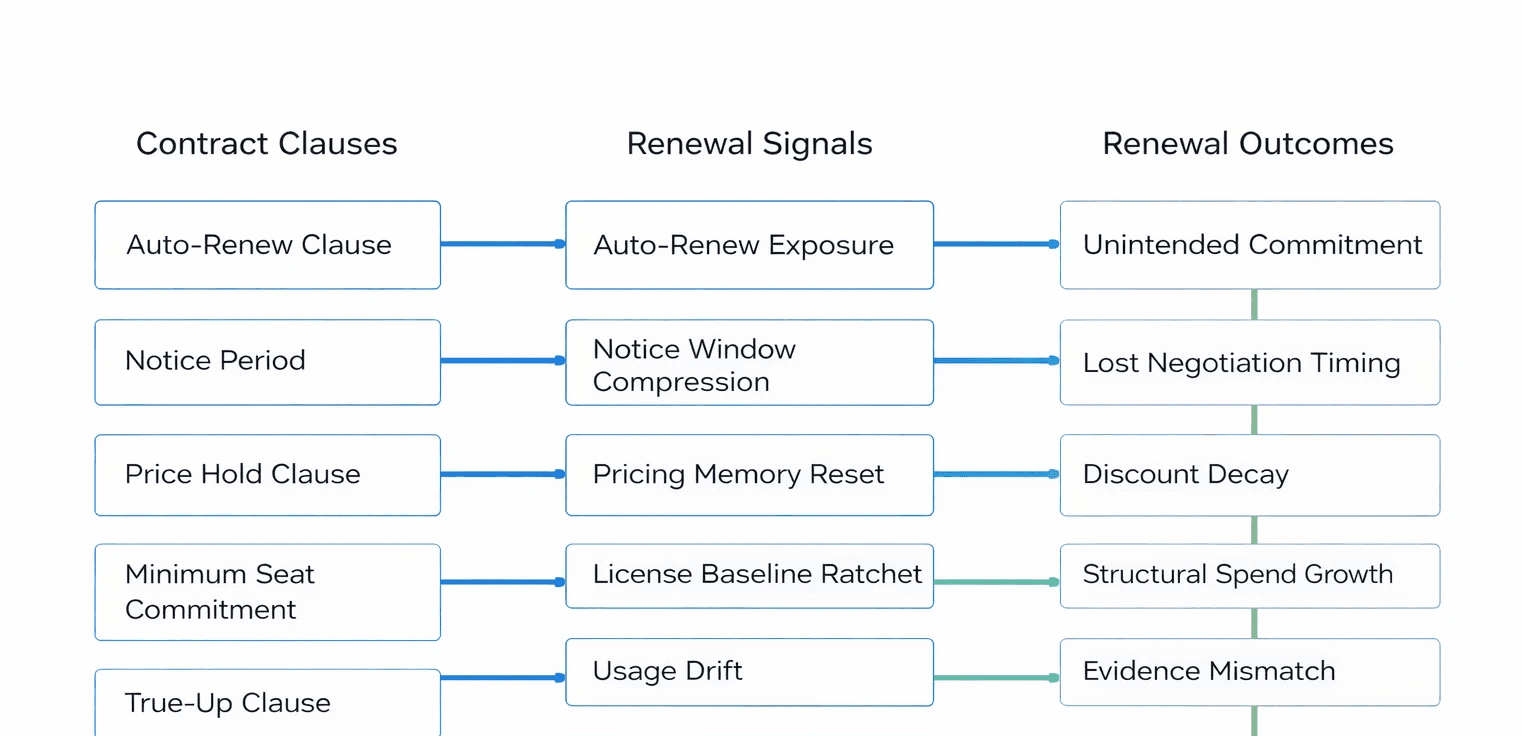
Renew on your terms, not the vendor’s
Watch how it works